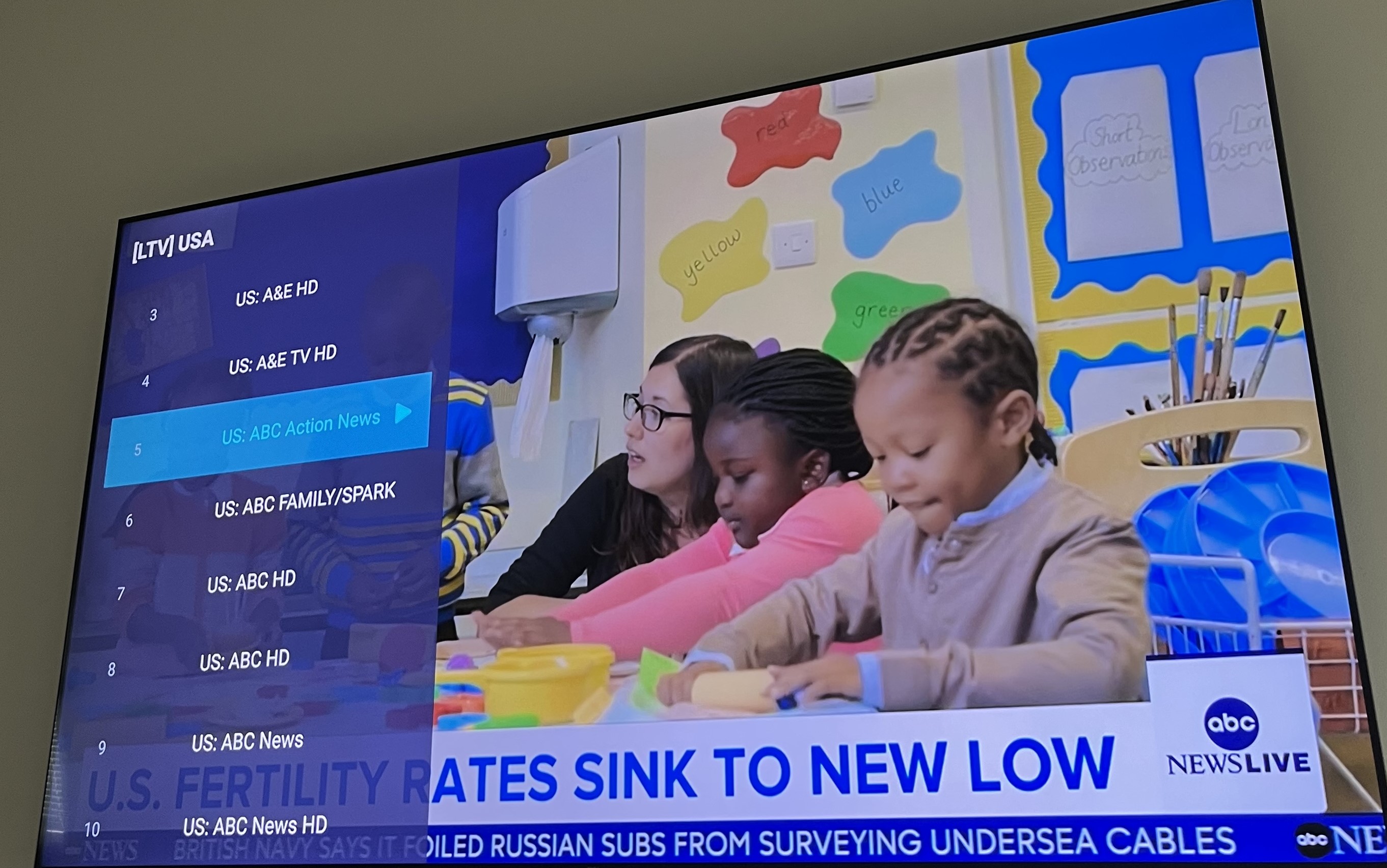
How to Use Your Key
Follow these simple steps to start watching on any device with an IPTV app.
Open the Google Play Store (or App Store on iOS, or any app store on your device) and search for "IPTV". You can use any IPTV app that supports Xtream Codes login - it works on Android TV, Firestick, phones, tablets, or any device.
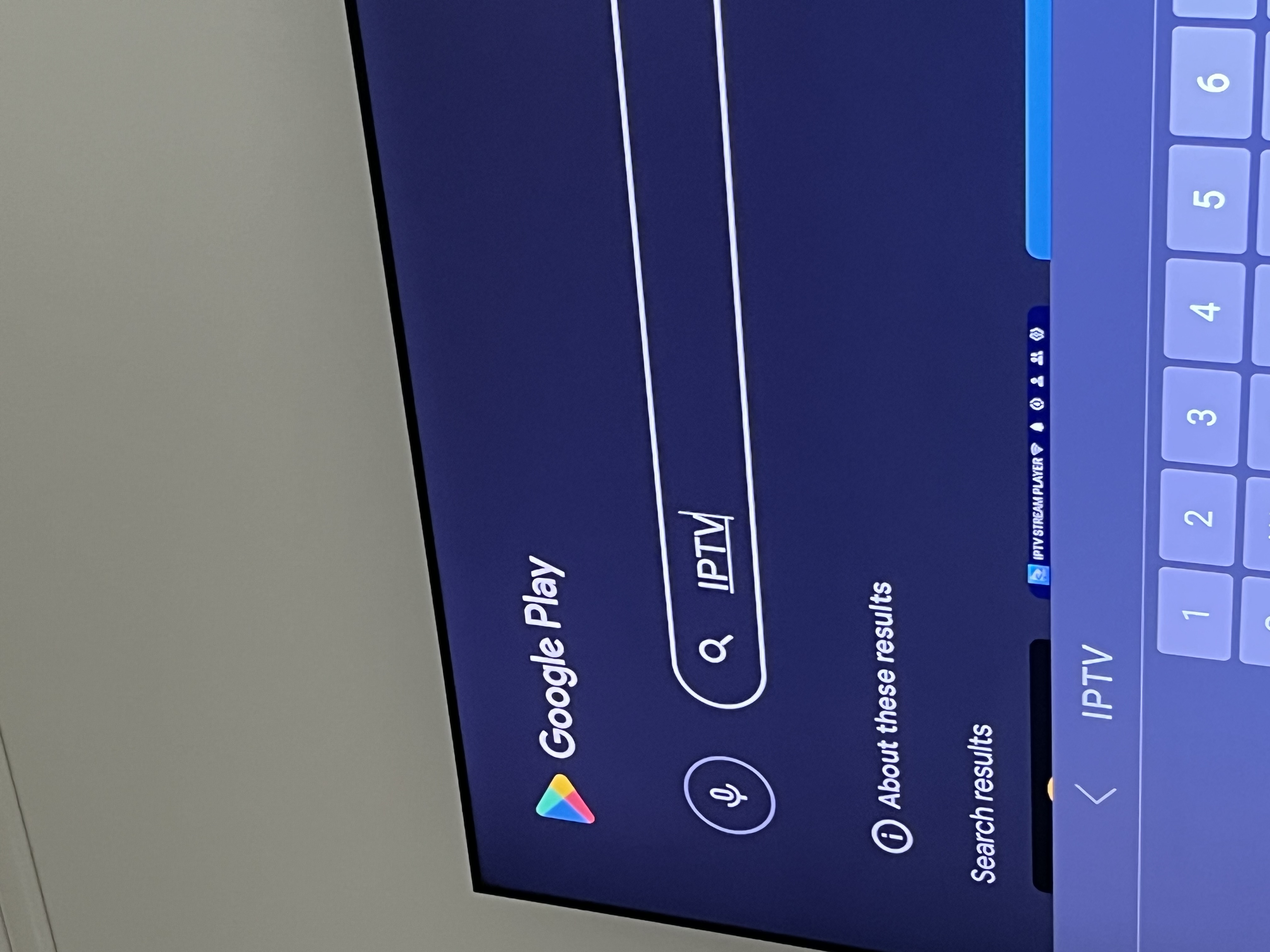
You'll see many IPTV apps available. Pick any one that you like - most of them work the same way. Popular choices include IPTV Smarters, TiviMate, or XCIPTV.
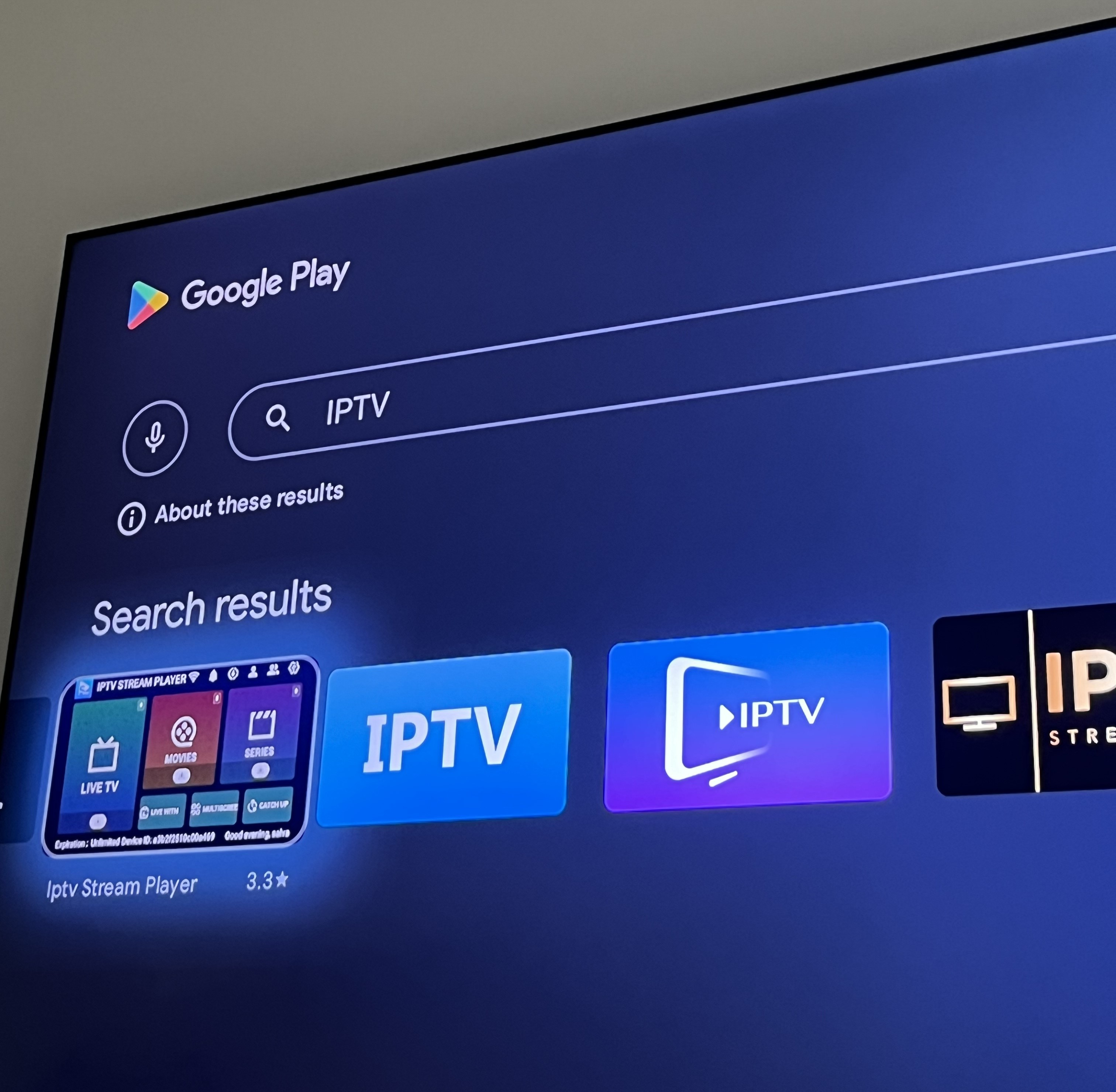
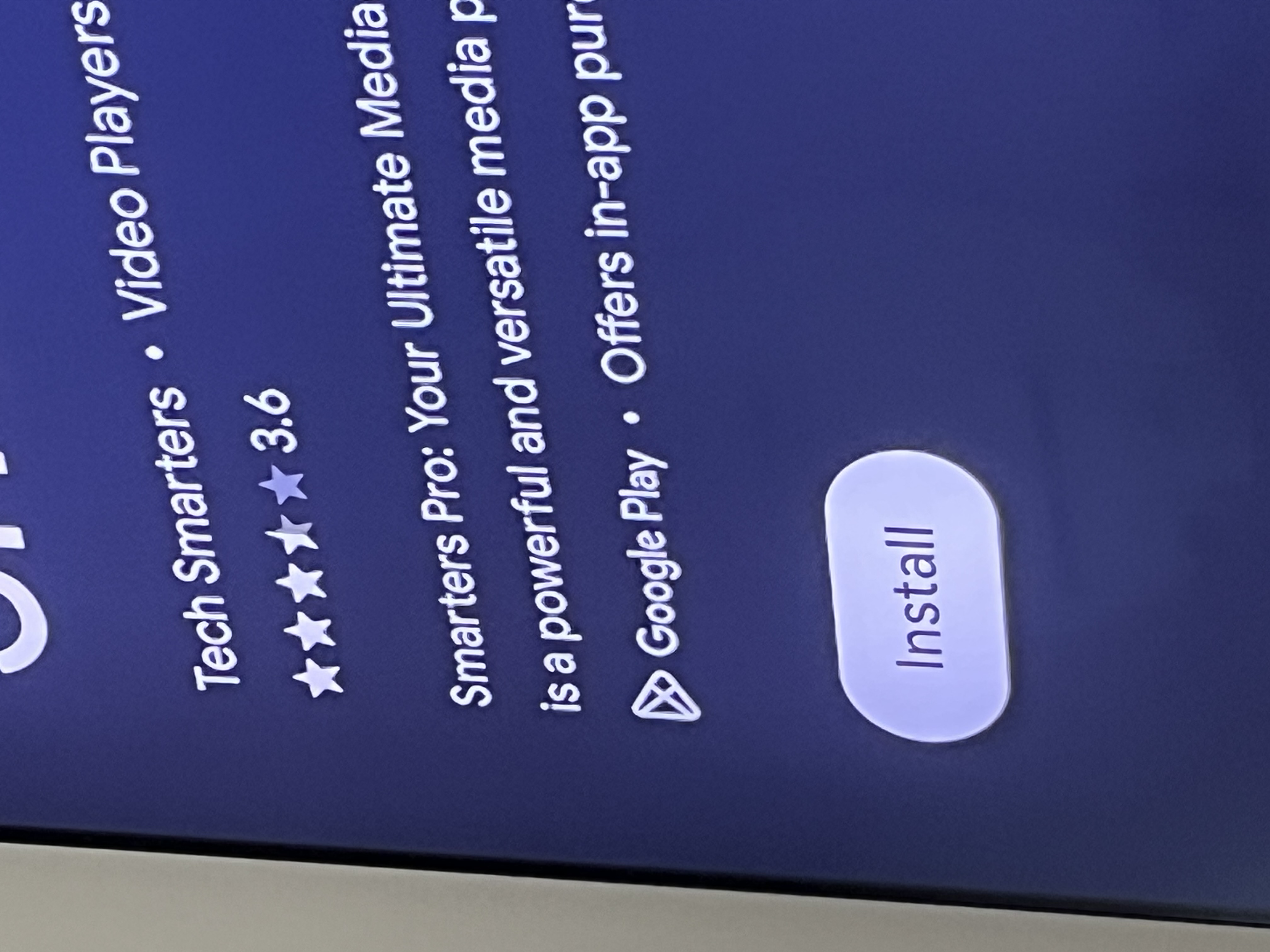
Tap the Install button and wait for the app to download and install on your device.
Open the app and you'll see options for adding a playlist. Choose the Xtream Codes Login option (not M3U URL). This is the easiest way to connect.
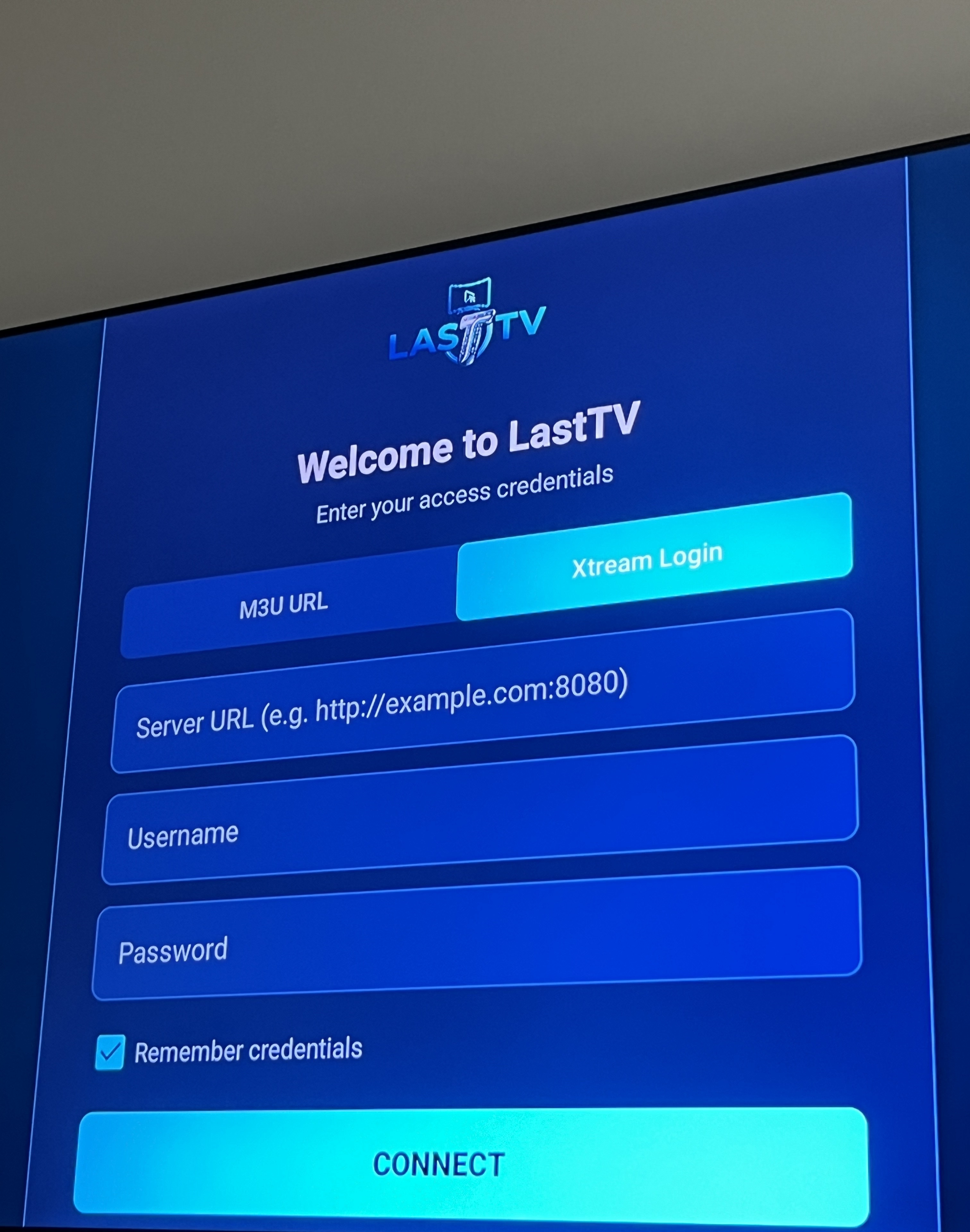
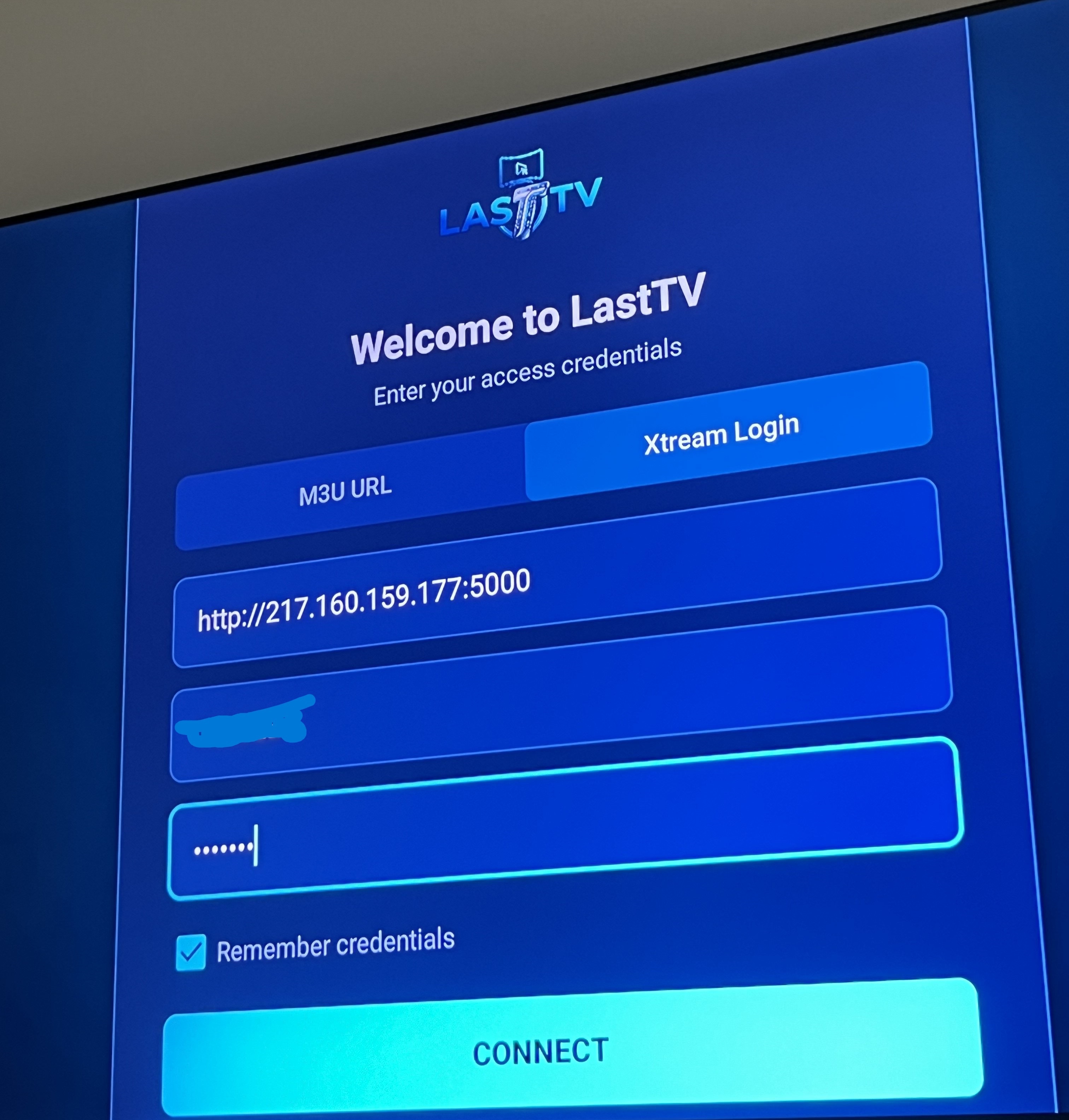
Enter your login details exactly as provided:
Server URL: http://217.160.159.177:5000
Username: YOUR-CODE
Password: YOUR-CODE
Replace YOUR-CODE with the access code you received (use the same code for both username and password).
Once logged in, you'll see all the available categories organized by country and content type. Browse through Live TV, Movies, and Series.
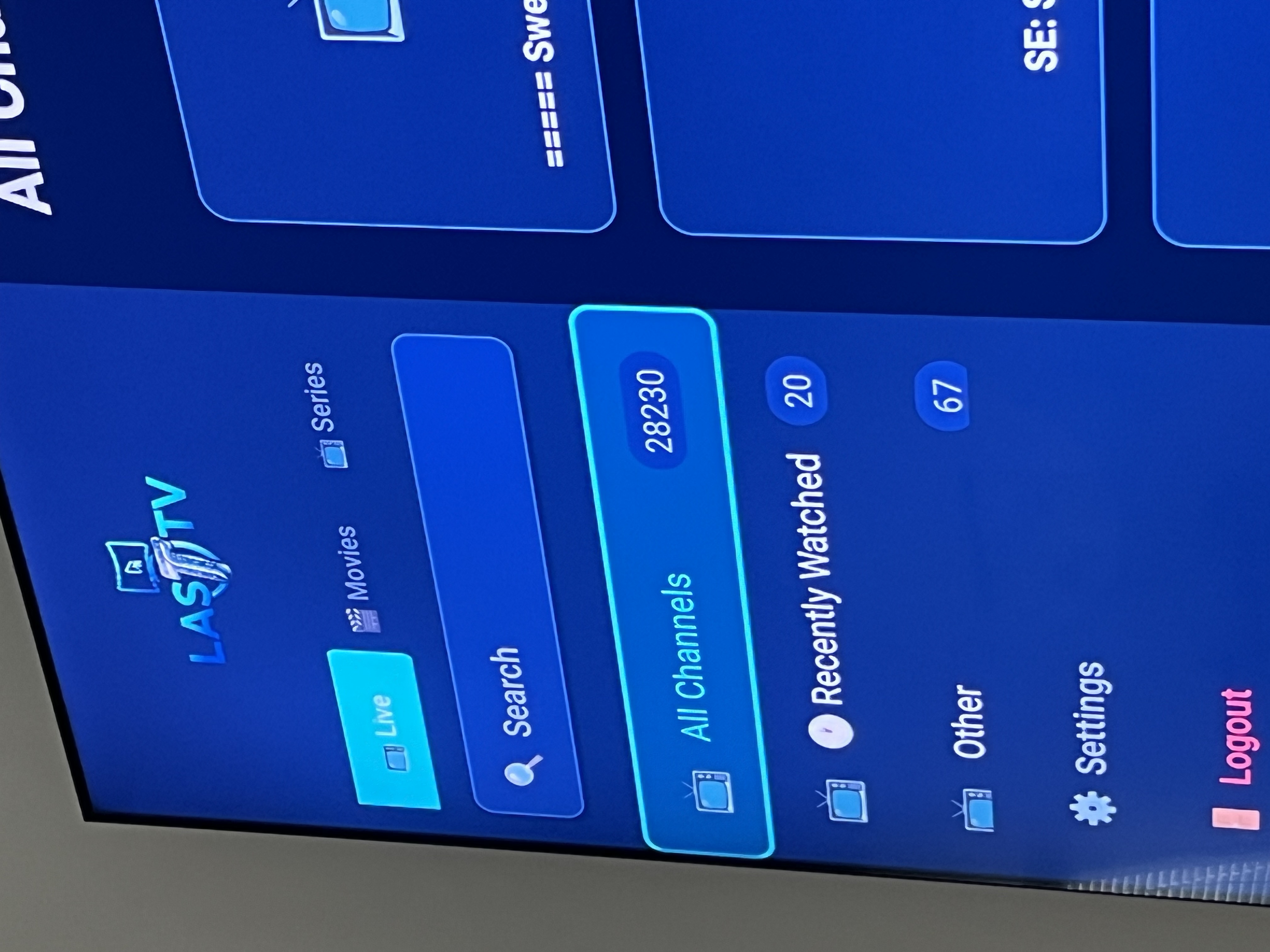
Scroll through all the categories to see the full range of content available. There are channels from countries all around the world!
Select any channel and enjoy! The stream will start playing in high quality. Use your remote or touch controls to navigate between channels.