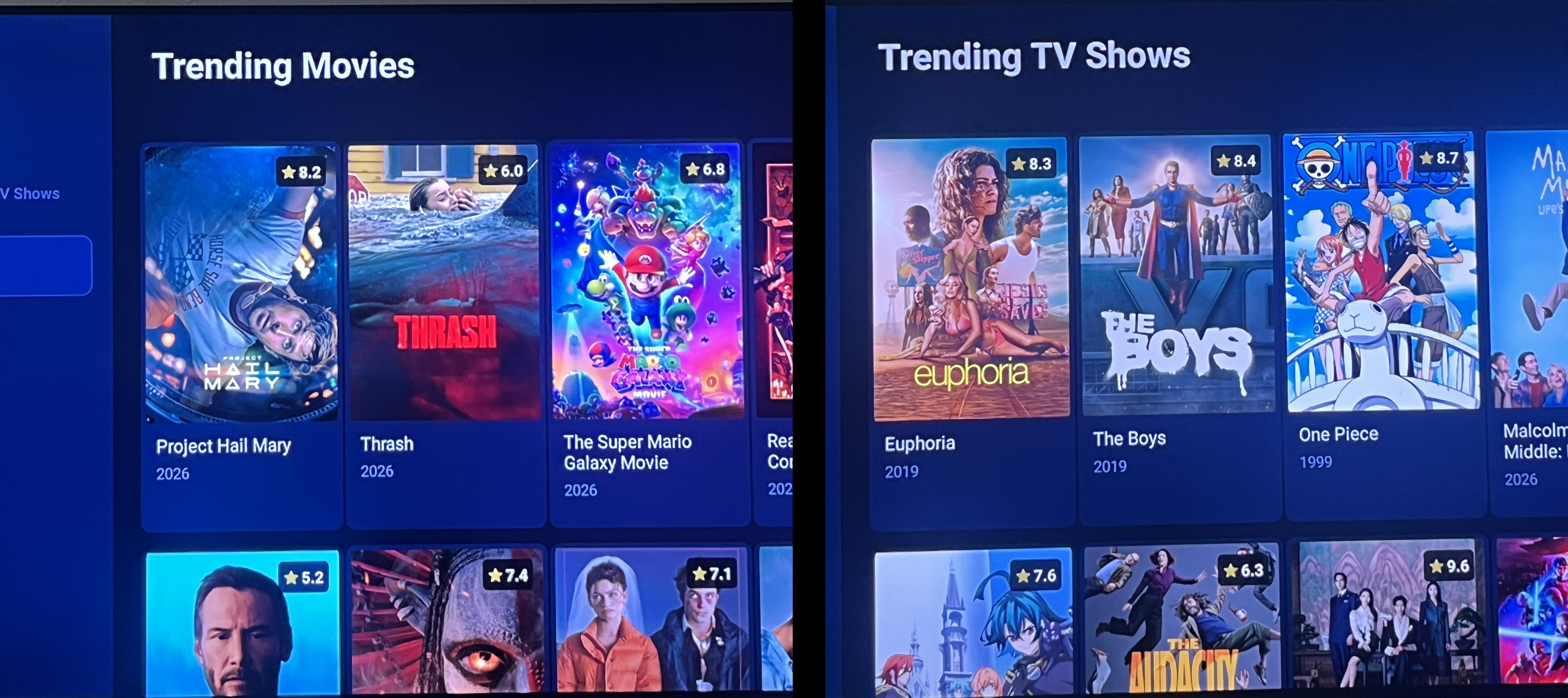
Download the LastTV App
Our official Android TV app with built-in Movies & TV Shows library - more content than Netflix, HBO Max, and Disney+ combined!
Live TV
All channels included
Movies
Thousands of HD films
TV Shows
Complete series library
Full HD
Crystal clear quality
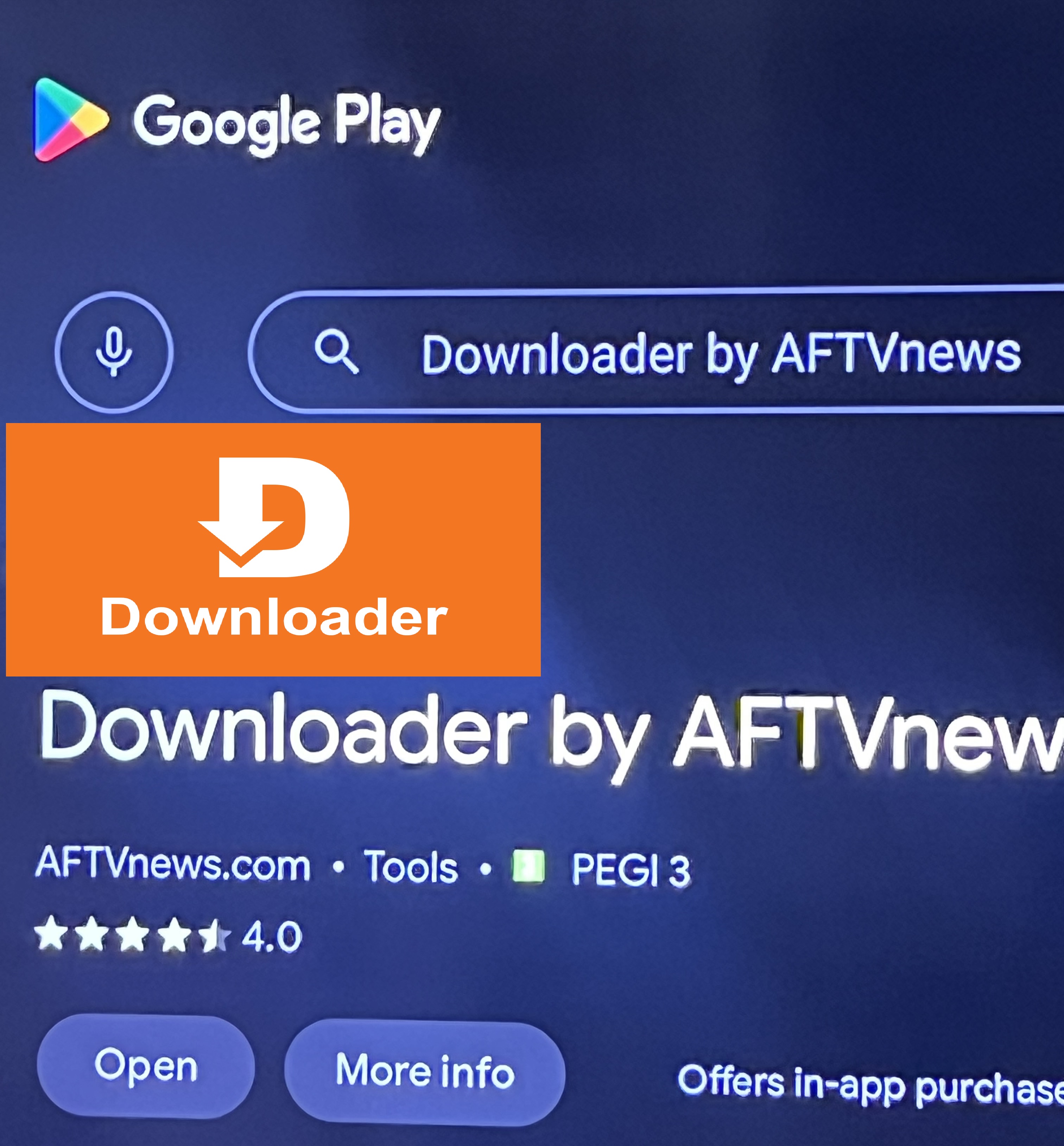
Open the Google Play Store on your Android TV, Fire TV Stick, or any Android device. Search for "Downloader" by AFTVnews and install it.
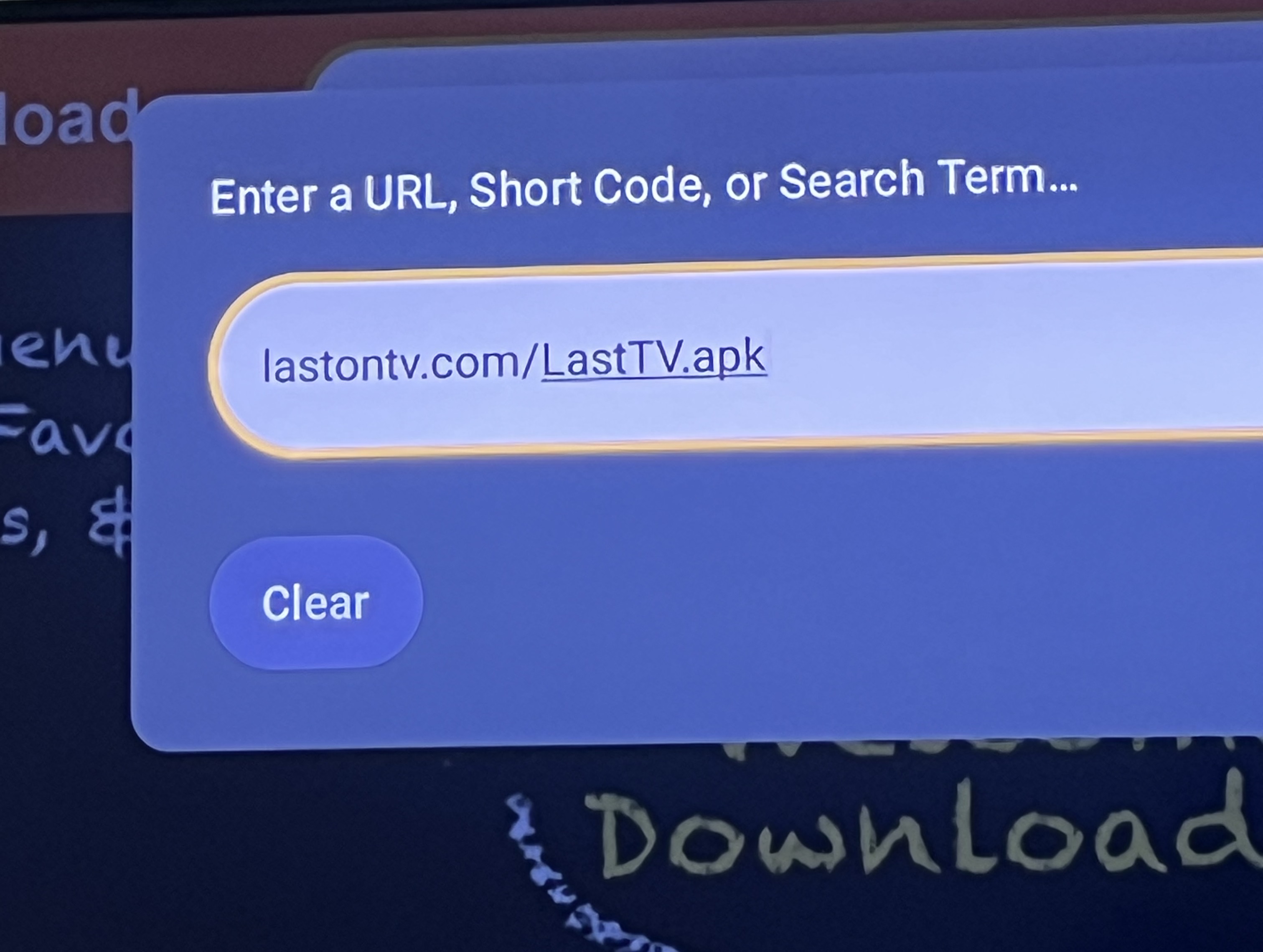
Open the Downloader app. In the URL field, type:
URL: lastontv.com/LastTV.apk
Press Go to start downloading the LastTV app.
Once downloaded, the Downloader app will prompt you to install. Tap Install and wait for it to complete. The LastTV app icon will appear on your home screen.
Launch the LastTV app. You'll see two options: M3U URL or Xtream Login. Choose Xtream Login for the best experience.
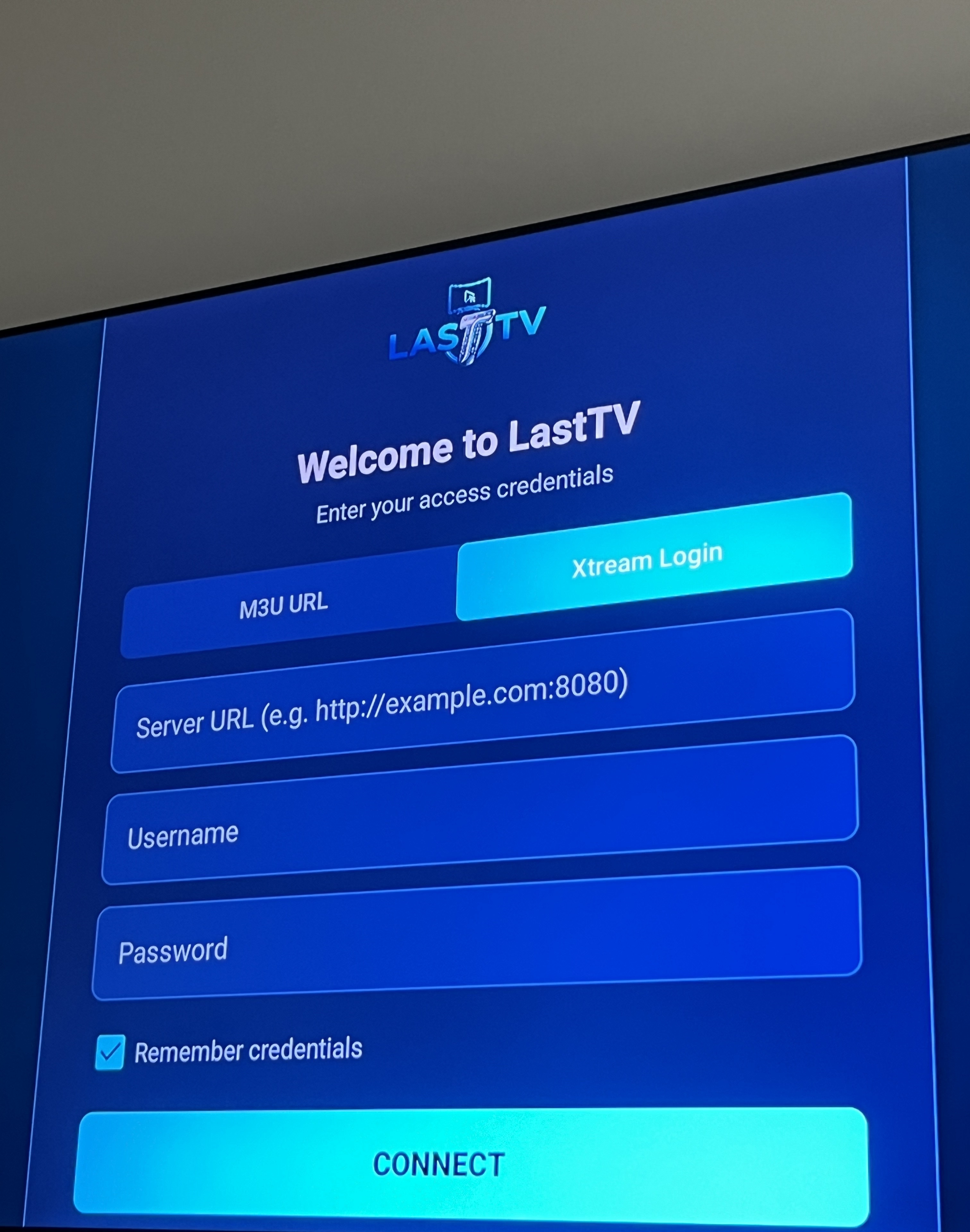
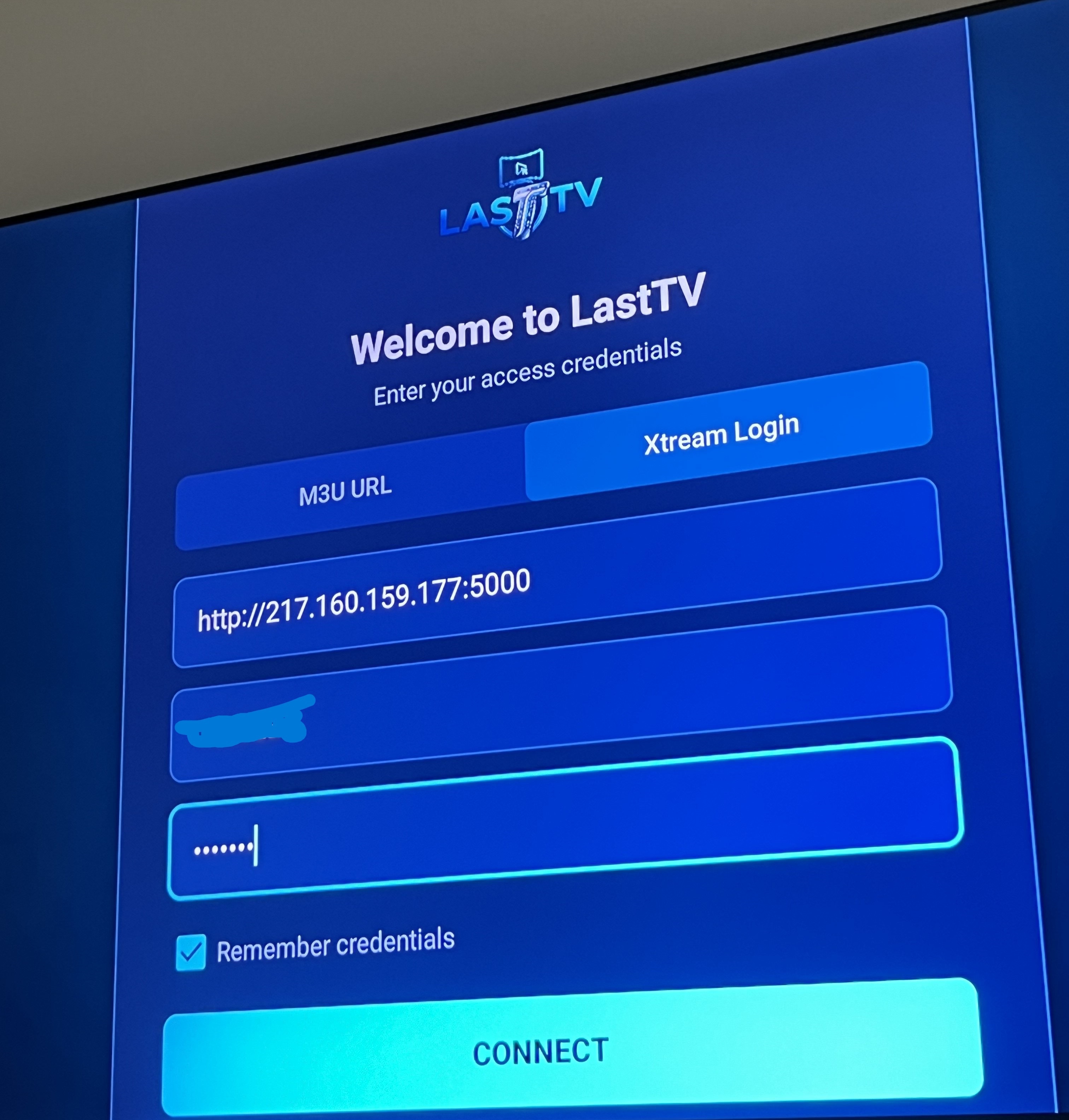
Enter your login details exactly as provided:
Server URL: http://217.160.159.177:5000
Username: YOUR-CODE
Password: YOUR-CODE
Replace YOUR-CODE with the access code you received (use the same code for both username and password). Then tap Connect.
You're in! Browse through all the available Live TV categories. Use the left sidebar to see channels from different countries and genres.
Tap the Movies or TV Shows tab at the top to access our massive on-demand library. Browse trending content, search for your favorites, and enjoy in Full HD!